
Account panel


Shape your
work life
Turn your skills into flexible income on Spot On Task.

Pick where and when
Choose local or remote jobs and fit them around your calendar.
Sign up without fees
Create a profile and start seeing opportunities right away.
Transparent payments
See messages, approvals, and payment steps in one thread.
Real people support
Message our team if you need help with a booking or payout.
Opportunities
Check out requests before you commit
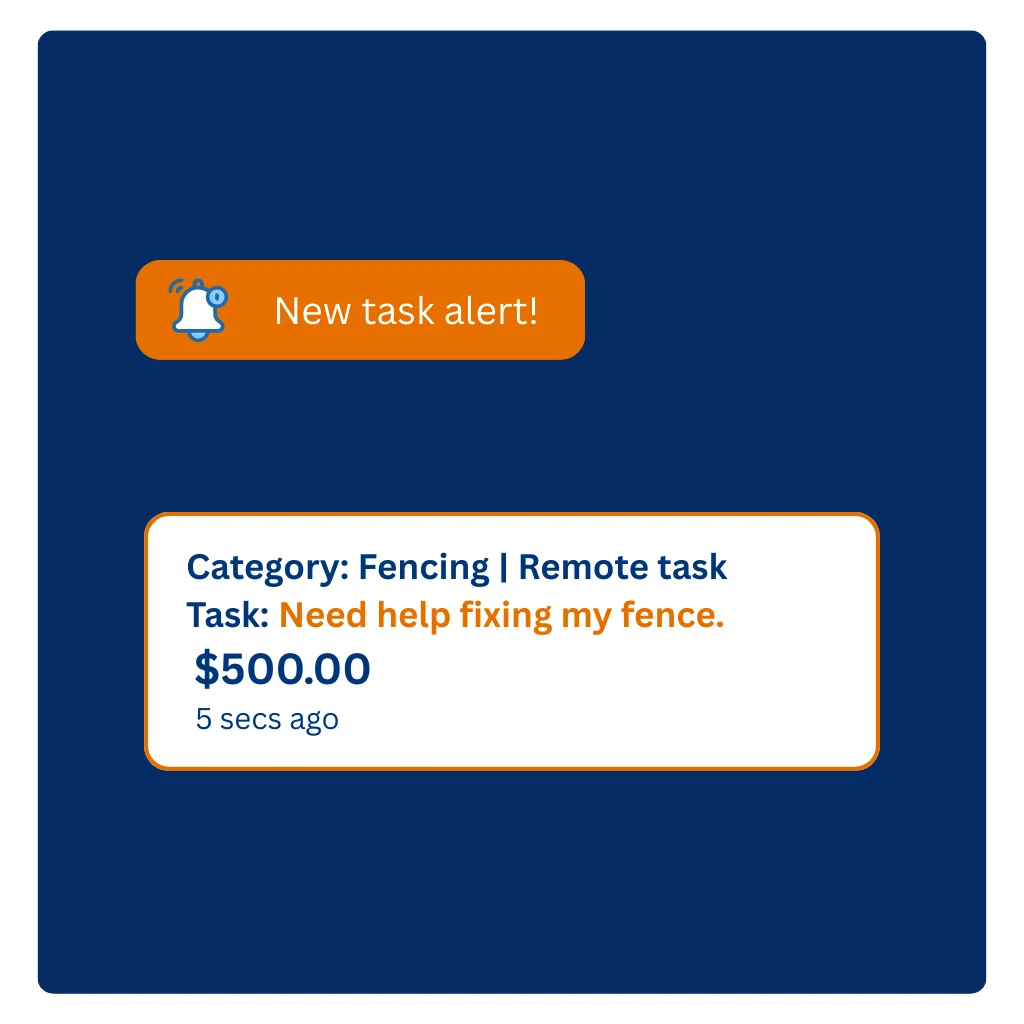
Turn on alerts for nearby jobs and respond when the timing and budget work for you.
Pricing
Send a tailored quote
Share a clear price that outlines what you will deliver. You can adjust the scope as you learn more about the job.
- Match your quote to the time, travel, and tools required.
- Offer milestones or check-ins for longer projects.
- List what is included so there are no surprises.


Earnings
Deliver the work and request release
Keep clients updated, finish the task, then request payment through the booking so everything stays documented.
Popular work
Tasks people need help with
Discover everyday requests and specialist projects in your area.






Profile
Build a profile that earns trust
A thoughtful profile sets expectations and makes it easy for clients to pick you for the right jobs.
- Add a clear photo, licence info, and a short introduction.
- List the services you offer, tools you bring, and any limits.
- Ask for reviews after each booking to showcase reliability.
Task support
Clear records and support when you need it
Keep task details, messages, and payments on Spot On Task so both sides have a clear record of what was agreed.
Task safety & guidance
Designed to help users understand next steps if an issue occurs during a task.
- Clear guidance on handling accidental damage or incidents
- Information on responsibilities of clients and professionals
- Simple steps to contact Spot On Task support
Support during tasks
Resources to help professionals navigate unexpected situations.
- Guidance on documenting task scope and agreed changes
- How to report incidents related to tasks booked on Spot On Task
- Support team available to guide you through the process
FAQs
Frequently asked questions
Quick answers about responsibilities, support, and getting paid.
Create an account and
complete your profile with skills, service area, and availability.
Add photos or examples so customers understand what you offer. Turn
on alerts for the
categories you want
so you can respond quickly. When a job fits, send a clear offer with
timing and any questions. Staying responsive and professional helps
you win repeat work.
Yes, you decide which jobs to take. Review each listing for the
location, timing, and requirements before you offer. If it does not
match your skills or schedule, simply pass on it. You can also set
preferences and alerts
to focus on the type of work you want. A focused profile helps bring
in the right kinds of tasks.
Each task shows the agreed price and payment method before you
start. Funds are secured through the platform when the customer
accepts your offer. After the work is completed, request release in
the app so there is a clear record for both sides. The payout is
then transferred to your nominated bank account on the platform
schedule. A service fee is deducted to cover processing and platform
upkeep.
Spot On Task does not provide or arrange insurance for Workers,
Posters, or tasks. Keep communications and payments within the
platform so there is a clear record. If an incident happens, make
sure everyone is safe, document what occurred, and contact support
for help with the platform process. Workers and Posters remain
responsible for arranging any insurance they require.
Reach out via in-app support or
contact our team.
Share the task ID, dates, and a short summary so we can help
quickly. For urgent safety concerns, follow local emergency guidance
first. We will review the details and explain your options,
including dispute or incident steps if needed. You can track updates
through your account once a case is opened.
Copyright © Spot On Task